
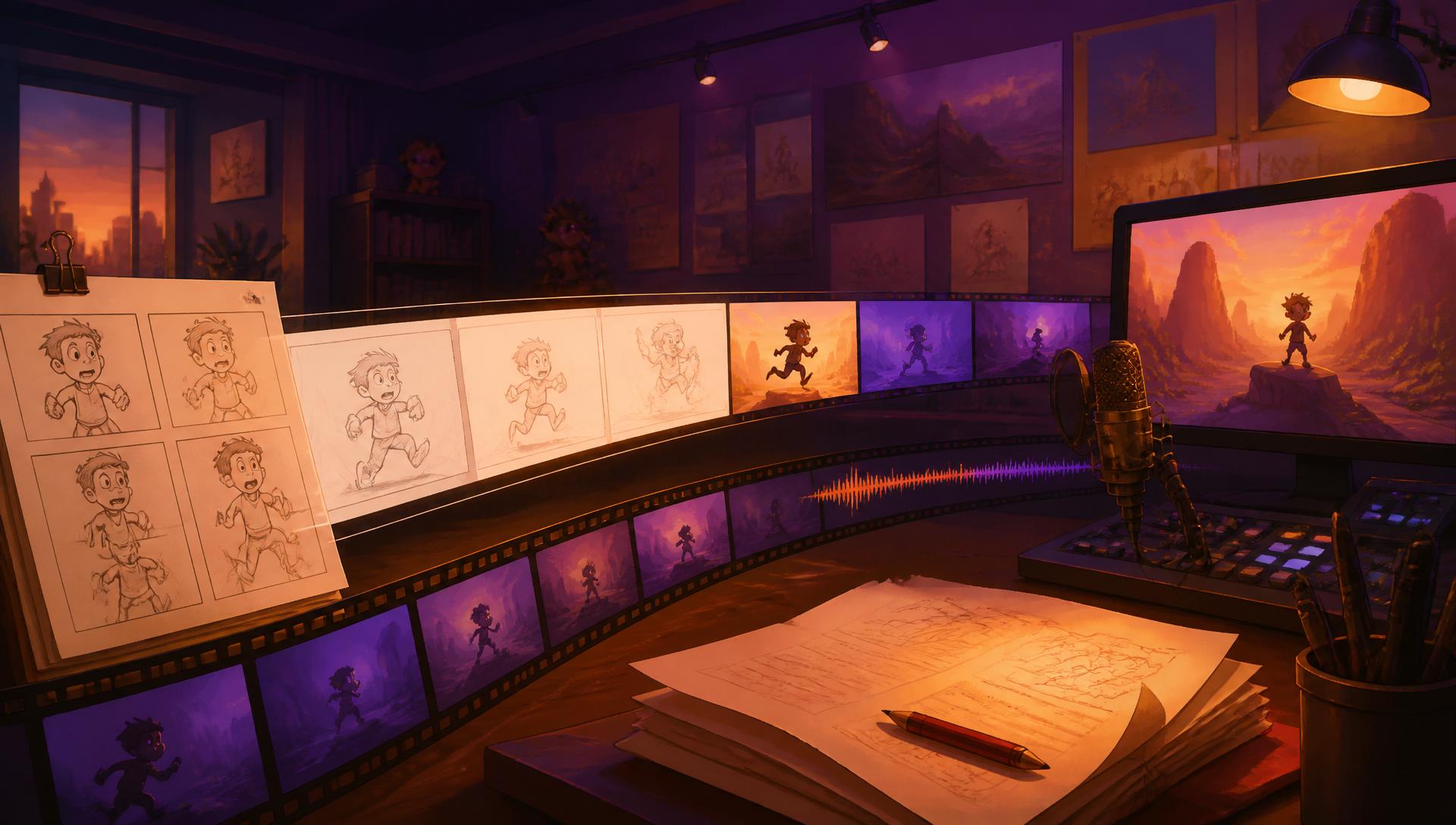
The pipeline
Eight steps from
idea to upload.
Toonqo is a workbench, not a one click button. Each step produces something you can read, hear or look at, and each one stays editable until you are happy with it.
1 line
is all it takes to start a brief
8 steps
from blank page to finished MP4
4K
top export resolution, rendered in the browser
0
editing apps required to finish
Step by step
Roughly forty minutes of hands on time for a short video, most of it spent reading and approving rather than making.
Step 1 · 2 minutes
Idea
Start with a single line, or paste a rough prompt and let Toonqo fill in the brief for you. Pick tone, audience, target length and art style from dropdowns so the whole project has a shared direction before a single frame exists.
- Prompt to brief in one AI pass
- Tone, audience and length as guided choices
- Art style locks the look of every later frame
Step 2 · 5 minutes
Script
The brief becomes a narrated script split into numbered scenes. Every line stays editable, so you can rewrite a joke, cut a scene or tighten the hook without regenerating the rest of the story.
- Scene by scene narration, not one wall of text
- Rewrite or delete any scene inline
- Scene order drives the whole timeline
Step 3 · 5 minutes
Cast
Design the characters once. Each cast member gets a written look and a generated portrait that becomes the reference for every frame they appear in, which is what keeps a series feeling like one show.
- Locked character descriptions
- Reference portraits per character
- Reuse the same cast across projects
Step 4 · 10 minutes
Storyboard
One illustrated frame per scene, drawn in your chosen art style with the cast on model. Frames render with a live drawing indicator, and any single frame can be regenerated without touching its neighbours.
- One frame per scene, generated in batch
- Regenerate a single frame at a time
- Consistent style tokens across the board
Step 5 · 5 minutes
Voice
Pick a project narrator, then override the voice on any individual scene. Narration is synthesised per scene and its exact duration is measured, which is what sets the length of each shot in the timeline.
- Project wide narrator plus per scene overrides
- Editable narration text before recording
- Measured durations feed the timeline
Step 6 · 3 minutes
Music
Drop in a music bed and set how loud it sits and how far it ducks under speech. The mix automates the gain around every narration clip so dialogue always stays on top without manual keyframing.
- Upload your own track
- Automatic ducking under narration
- Level and duck depth are yours to set
Step 7 · 3 minutes
Thumbnail
Toonqo suggests the strongest frame in the project, then packages it as a 1280 by 720 thumbnail with headline text, overlays and layout options you can tune before downloading a JPG or PNG.
- AI picks the best candidate frame
- Headline and layout controls
- Exports at YouTube thumbnail spec
Step 8 · 10 minutes
Final video
Scenes are sequenced at your chosen frame rate with camera moves and transitions, previewed in a full screen player, then rendered to MP4 in the browser at up to 4K. Prefer to finish elsewhere? Take the asset pack.
- Cut, crossfade, slide, zoom and wipe transitions
- 720p to 4K, 24 to 60 fps
- Share link or zipped asset pack
The long way, and the Toonqo way
Same finished video. Very different evening.
Doing it by hand
- Write the script in one doc, lose it in another
- Hunt for art that vaguely matches your characters
- Record narration, then hand trim every clip
- Fight a timeline for an evening
- Design a thumbnail in a separate app
Doing it in Toonqo
- Brief in, scene by scene script out
- One cast, on model in every frame
- Narration measured and cut to length for you
- Transitions and camera moves already wired
- Thumbnail generated from your best frame
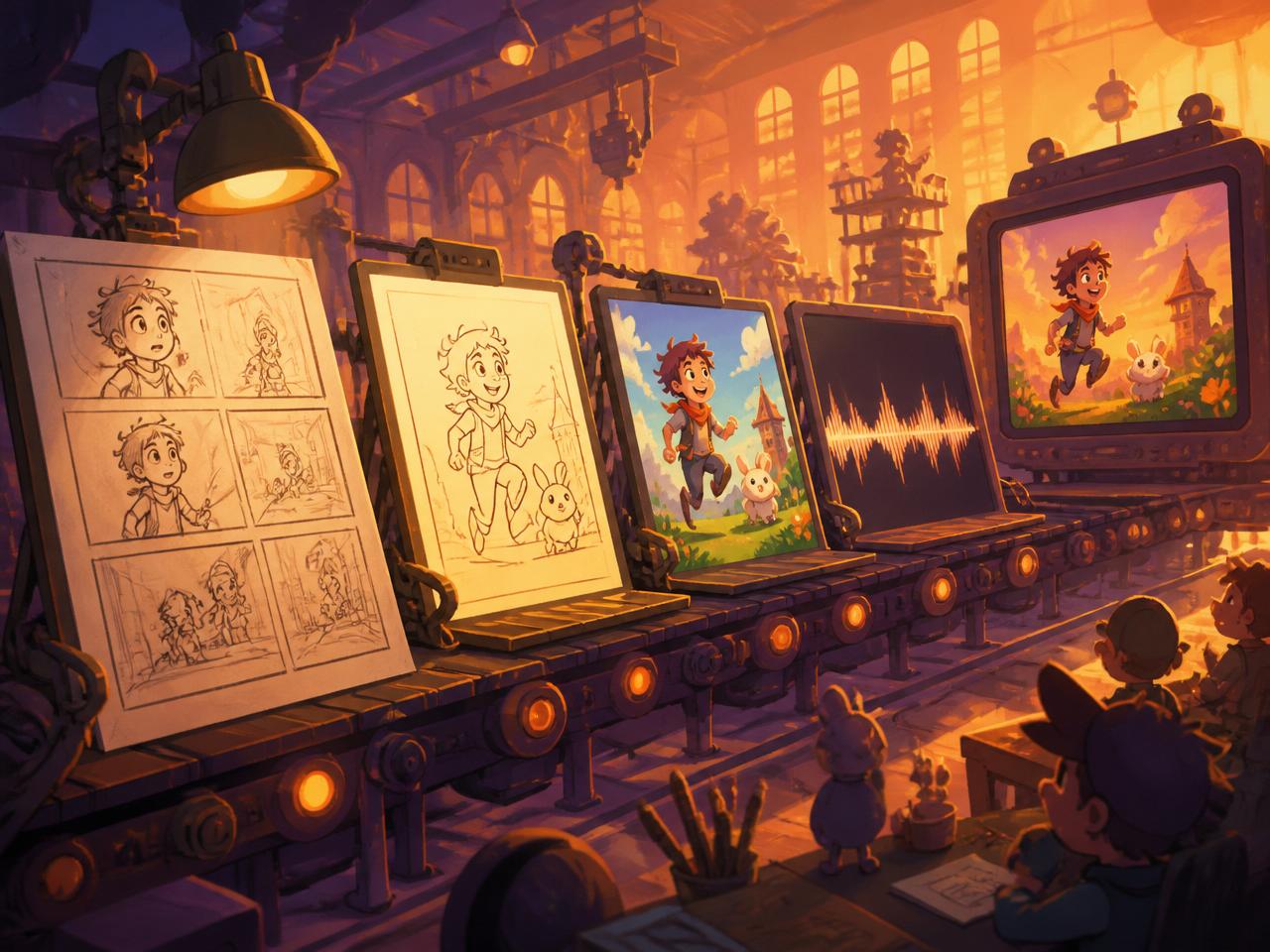
How we think about it
Four rules the studio follows.
Nothing is a black box
Every generated piece lands in an editable field. If the script is wrong you fix the script, not the prompt.
Audio leads picture
Shot length comes from the recorded narration, so the cut always matches the voice without manual trimming.
Style is decided once
Art direction is set in the brief and reused for cast and frames, which is how a channel keeps a recognisable look.
You can leave at any point
The asset pack gives you frames, mp3s, music and a timing JSON so an external editor is always an option.
Read enough? Make one.
The fastest way to understand the pipeline is to run a short video through it.